Support: +91 80587 06992
Every year, thousands of business owners and accountants across India ask the same question before buying a laptop: what are the actual requirements for running Tally Prime smoothly? Tally Solutions publishes a minimum specification list, but those numbers tell only part of the story. This guide gives you the real-world requirements based on how Indian accountants actually use Tally Prime every day.
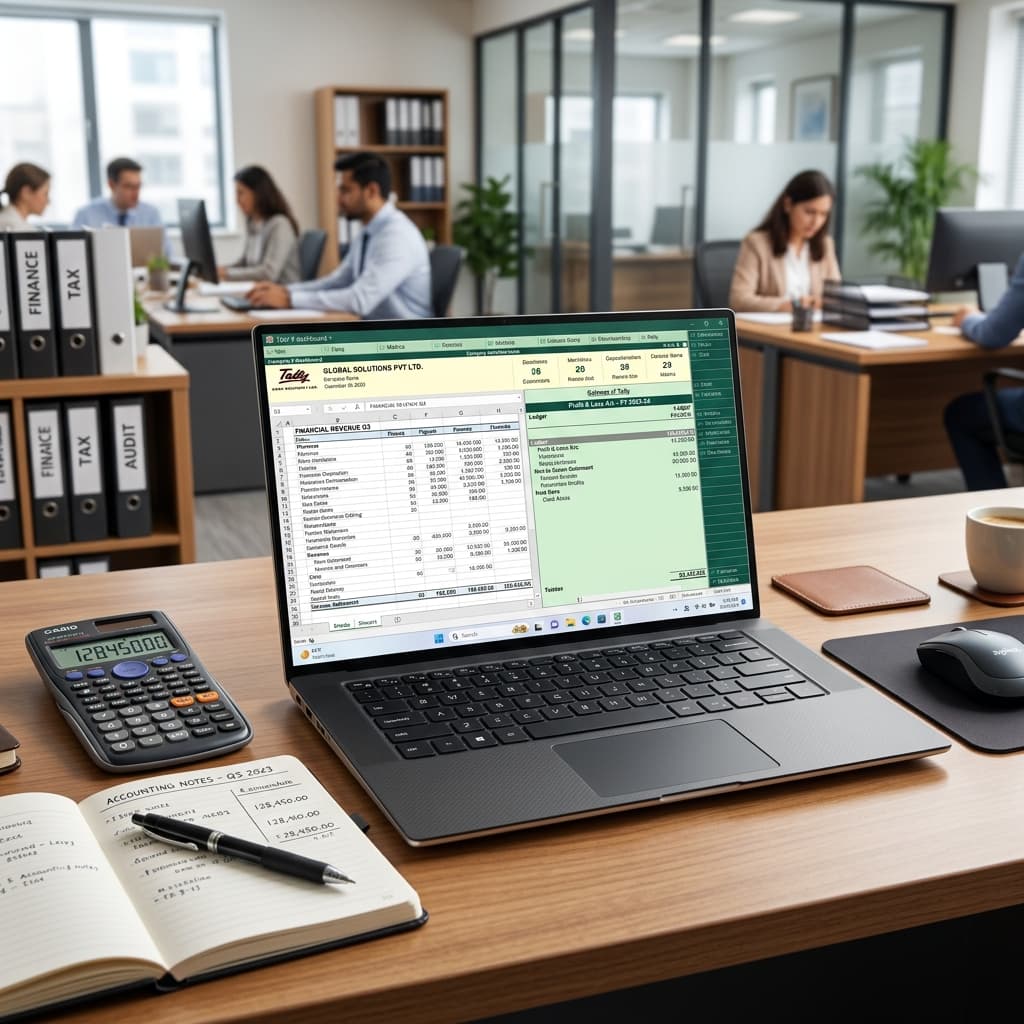
Tally Solutions officially states that Tally Prime requires:
These are the bare minimum requirements to install and open Tally Prime. They do not account for realistic working conditions. A laptop that just barely runs Tally Prime will frustrate you the moment you open a second application, which happens within the first five minutes of any workday.
Based on experience at VishaalMart's Jaipur service center, where we see hundreds of accountants' laptops every year, here is what Tally Prime actually requires for smooth daily use:
| Component | Minimum (Tally Only) | Recommended (Tally + Full Workday) | VishaalMart Laptops |
|---|---|---|---|
| Processor | Intel Core i3 (2 cores) | Intel Core i5 (4 cores) | Core i5 8th Gen or newer |
| RAM | 4GB (painful with anything else open) | 8GB (comfortable for full multitasking) | 8GB DDR4 |
| Storage | HDD 500GB (very slow) | SSD 256GB minimum | SSD 256 or 512GB |
| OS | Windows 10 | Windows 11 (better GST portal compatibility) | Windows 11 activated |
| Display | 1366x768 (minimum readable) | Full HD 1920x1080 (much more comfortable) | FHD on Dell Latitude 5410 |
A 4GB RAM machine will run Tally Prime in isolation. The moment you open Chrome for the GST portal, Excel for reconciliation, and WhatsApp Web for client queries, you have consumed all 4GB of RAM. Windows then starts using the hard drive as virtual memory, causing everything to slow to a crawl or freeze entirely.
With 8GB RAM, all four applications sit comfortably in memory simultaneously. Switching between them is instant. There is no paging to disk, no freezing, and no lost work.
Rule of thumb for Indian accountants: Always buy 8GB RAM. It is the single most impactful upgrade for a Tally workstation.
Tally Prime stores all company data in TallyData files. When you open a company with three years of data and 500+ ledgers, Tally reads hundreds of small files from the disk. On a spinning hard drive, this takes 15 to 30 seconds. On an SSD, it takes 2 to 4 seconds.
For an accountant opening and closing companies ten times a day, an SSD saves 20 to 30 minutes of waiting. Multiplied across a working year, that is dozens of hours recovered.
Never buy a laptop with a spinning HDD for Tally Prime. If you already own an HDD laptop, ask us about SSD upgrade services at our Dawas Road center.
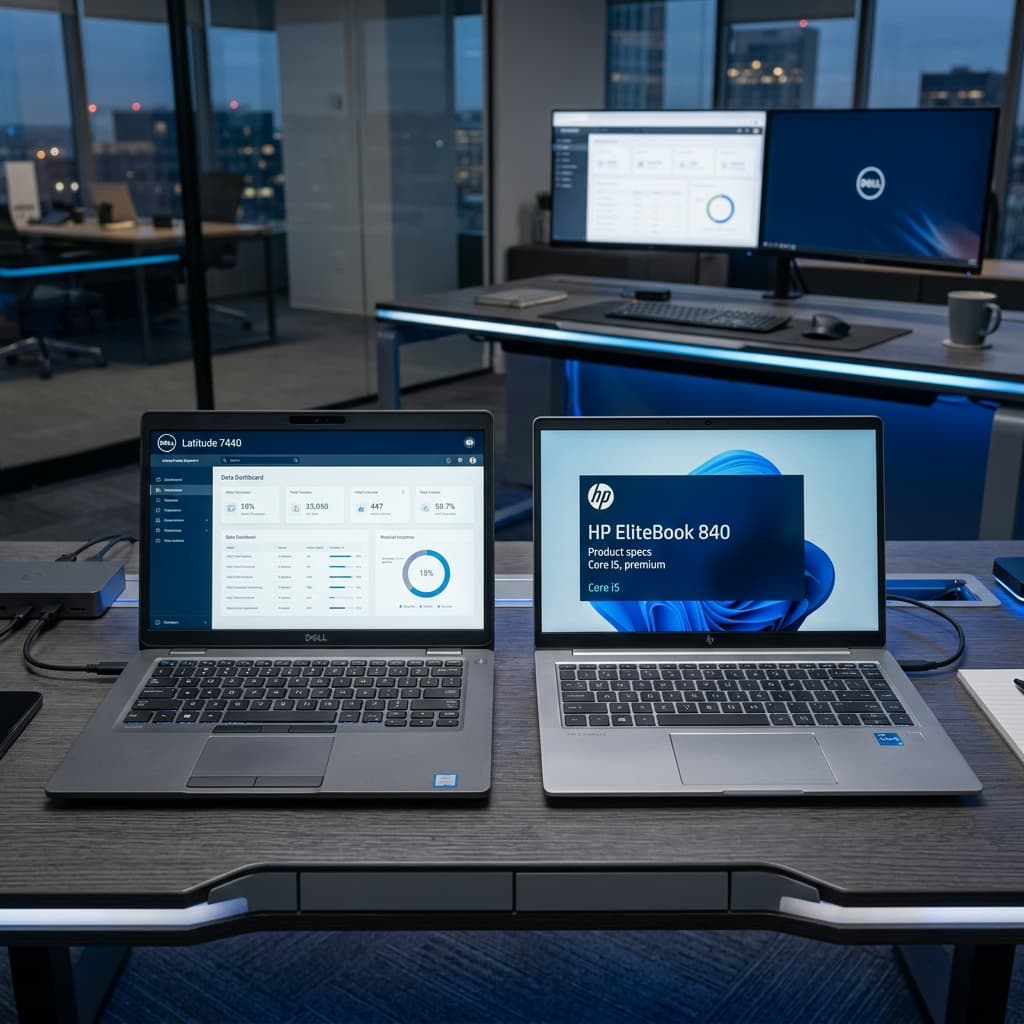
Both machines pass VishaalMart's 30-point quality check and come with store warranty.
Q1: Can I run Tally Prime on a laptop with 4GB RAM if I only use Tally?
Technically yes, but it is not realistic. As soon as you open Chrome for the GST portal alongside Tally, a 4GB laptop will stutter. 8GB RAM is the practical minimum for any working accountant in India in 2026.
Q2: Does Tally Prime run on Windows 11?
Yes. Tally Prime 4.x is fully compatible with Windows 11. All VishaalMart laptops ship with Windows 11 Home or Pro, activated and ready. GST portals, e-way bill software, and ITR portals all run correctly on Windows 11.
Q3: Can I upgrade RAM in a refurbished laptop later?
Yes, for the Dell Latitude 5410, RAM is upgradeable to 32GB at our Dawas Road Jaipur service center. The HP i5 8th Gen also has upgrade options. WhatsApp our team to discuss RAM upgrade pricing and availability.
Browse the VishaalMart Laptop Collection to find the right Tally Prime laptop, or WhatsApp our team for a personalised recommendation based on your business size and software needs.

Written by
Founder of VishaalMart • 9+ Years IT Experience
Helping Indian customers choose the best laptops, electronics and artificial jewellery since 2026. Based in Jaipur, Rajasthan.